Features

Say it once. The rest of the night is done.

One pass through the words is the only thing you do twice. Captions, zooms, chapters and B-roll all come off that transcript, land on your timeline as ordinary clips and keyframes, and stay editable.
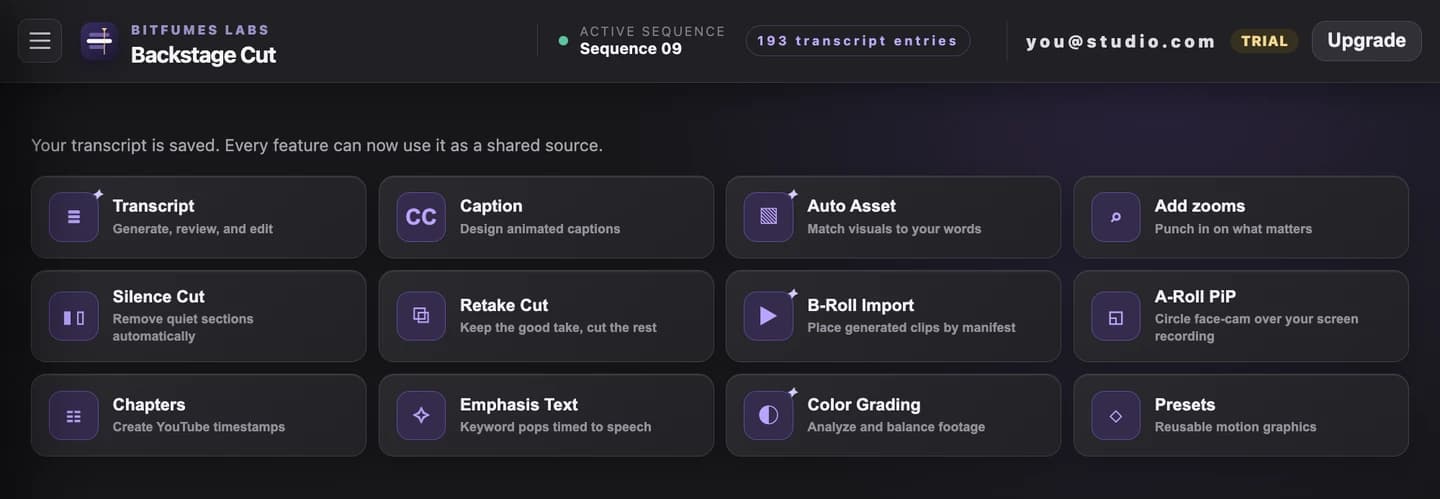
  • Transcribes the active sequence in one click, no export
  • Auto-detects Hindi, English and Hinglish — around 100 more languages are one click away in a searchable picker
  • Full word-level editor before anything renders
  • Saved once, then reused by captions, zooms, chapters, and B-roll
  • Word-progress, editorial, kinetic, sticker, handwritten and frosted-glass looks — twelve styles in all
  • Every style previews live over your real footage, not a placeholder frame
  • Drag-to-position and resize in the panel — safe above the TikTok and Reels UI
  • Save your pick as the house look, so every client video matches
  • Finds the moments itself: numbers, keyboard shortcuts, UI paths, warnings, claims, key terms
  • Rewrites them for the screen — "press command comma" becomes ⌘ + , and the key word goes UPPERCASE
  • Timed to the spoken words, so it lands on the syllable, not near it
  • Five styles, word- or letter-by-letter reveals, and a sound per cue
  • Untick what you don't want and edit the text before anything renders
  • Lands on its own track, so the rest of your edit is untouched
  • Zoom timing comes from what's being said, not a fixed interval
  • Keyframes live on a non-destructive adjustment layer
  • Fully editable afterward like any native Premiere keyframe
  • Matches filenames in your B-roll folder to transcript content
  • Suggests frame-aligned placements, not rough guesses
  • Nothing is inserted until you approve the batch
  • Finds pauses long enough to feel dead, tuned to this speaker's own natural rhythm
  • Finds filler words — "um", "uh" and their common transcript spellings — as a second pass
  • Review and approve before anything is cut, then ripple-deletes the approved ranges
  • One-click Undo restores the exact timeline and transcript from before the cut
  • Correctly timed YouTube chapter markers from the saved transcript
  • Regenerate for more, fewer, or better titles in one click
  • No need to re-time the underlying transcript
Emphasis text on a real edit — found from the transcript, landing on the word.