Silence & Filler Cut
Dead air and "um"s, gone in one pass
The transcript already knows where the pauses sit and which words were never meant to stay in. Review the cuts, approve what you want, and the gaps close themselves — no scrubbing, no manual razor.
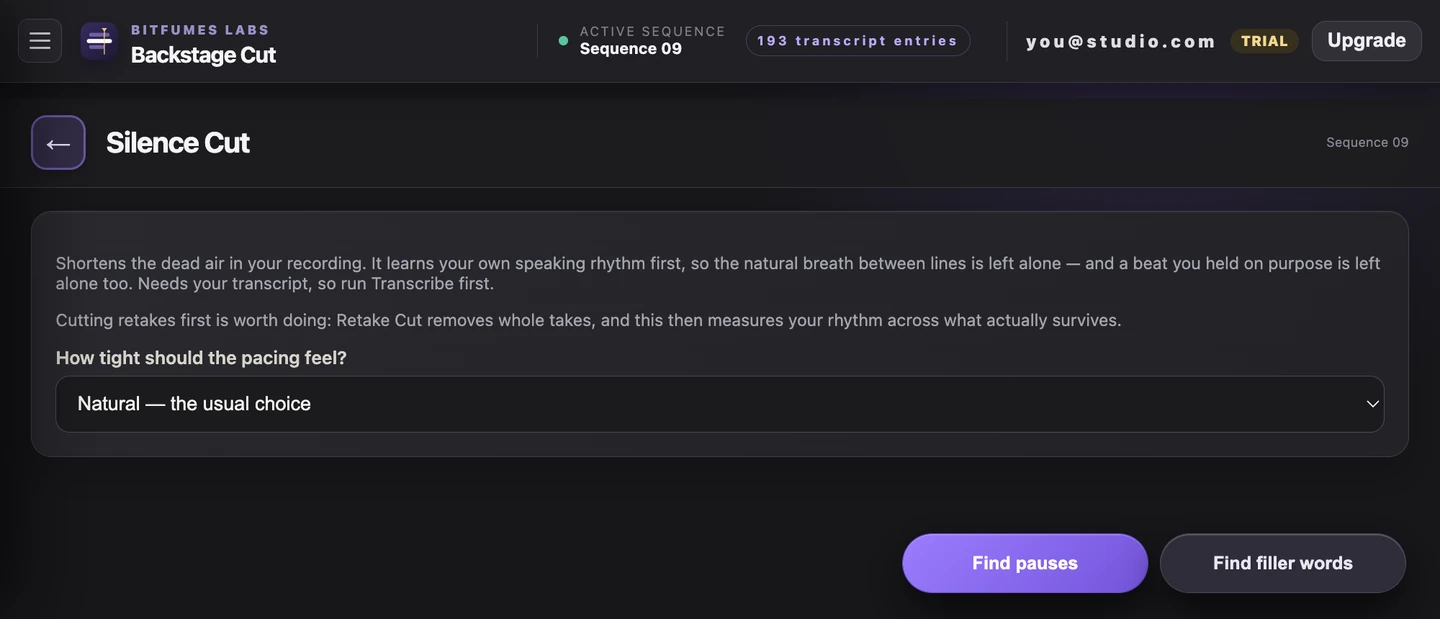
How it works
What actually happens
- Finds pauses long enough to feel dead, tuned to this speaker's own natural rhythm
- Finds filler words — "um", "uh" and their common transcript spellings — as a second pass
- Review and approve before anything is cut, then ripple-deletes the approved ranges
- One-click Undo restores the exact timeline and transcript from before the cut
Try it on the video
you're editing tonight
7 days of unlimited transcription is plenty for a whole video, start to finish, on your own footage — no card, and nothing to undo if you don't like it.
Also in the panel