Color Grading
A grade that looked at your footage first
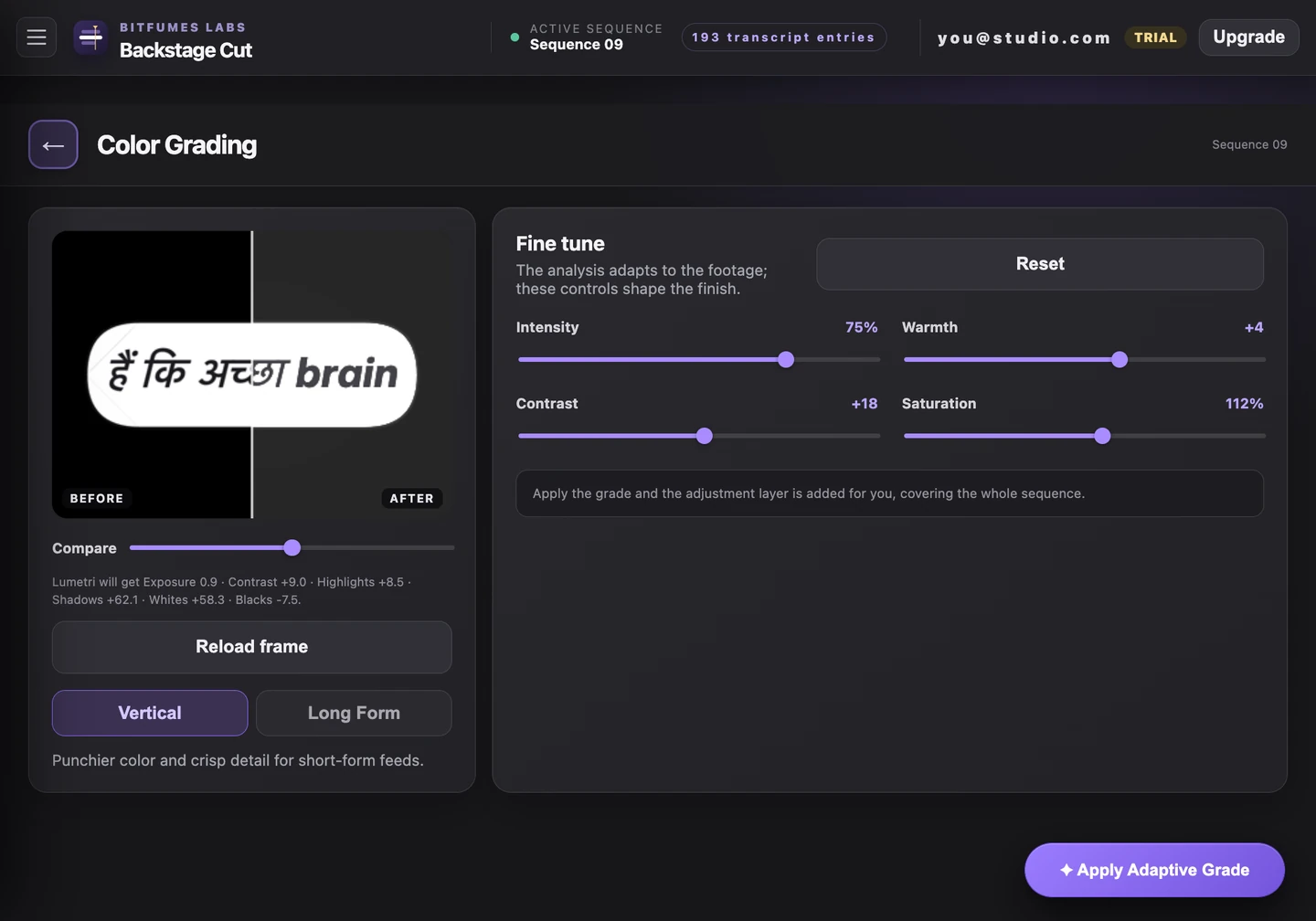
A preset does the same thing to a sunlit kitchen and a lamp-lit bedroom. This reads frames off your own timeline before it decides anything, so the look starts from the room you actually shot in — then four sliders take it the rest of the way.
How it works
What actually happens
- Samples real stills off your sequence and adapts the grade to what it finds
- Two starting points: Long Form, or a punchier Vertical look built for short-form feeds
- Intensity, warmth, contrast and saturation, with the preview moving as you do
- Compare flips between the graded and ungraded frame
- Lands on its own adjustment layer across the sequence — added for you, in its own bin
- Grading a second time re-grades that same layer instead of stacking another on top
Try it on the video
you're editing tonight
7 days of unlimited transcription is plenty for a whole video, start to finish, on your own footage — no card, and nothing to undo if you don't like it.
Also in the panel