Emphasis Text
The line they'll remember, on screen
The number, the shortcut, the warning, the one-liner — pulled out of what you actually said and popped on screen on the exact word. It's the difference between a tutorial that looks cut and one that looks designed.
How it works
What actually happens
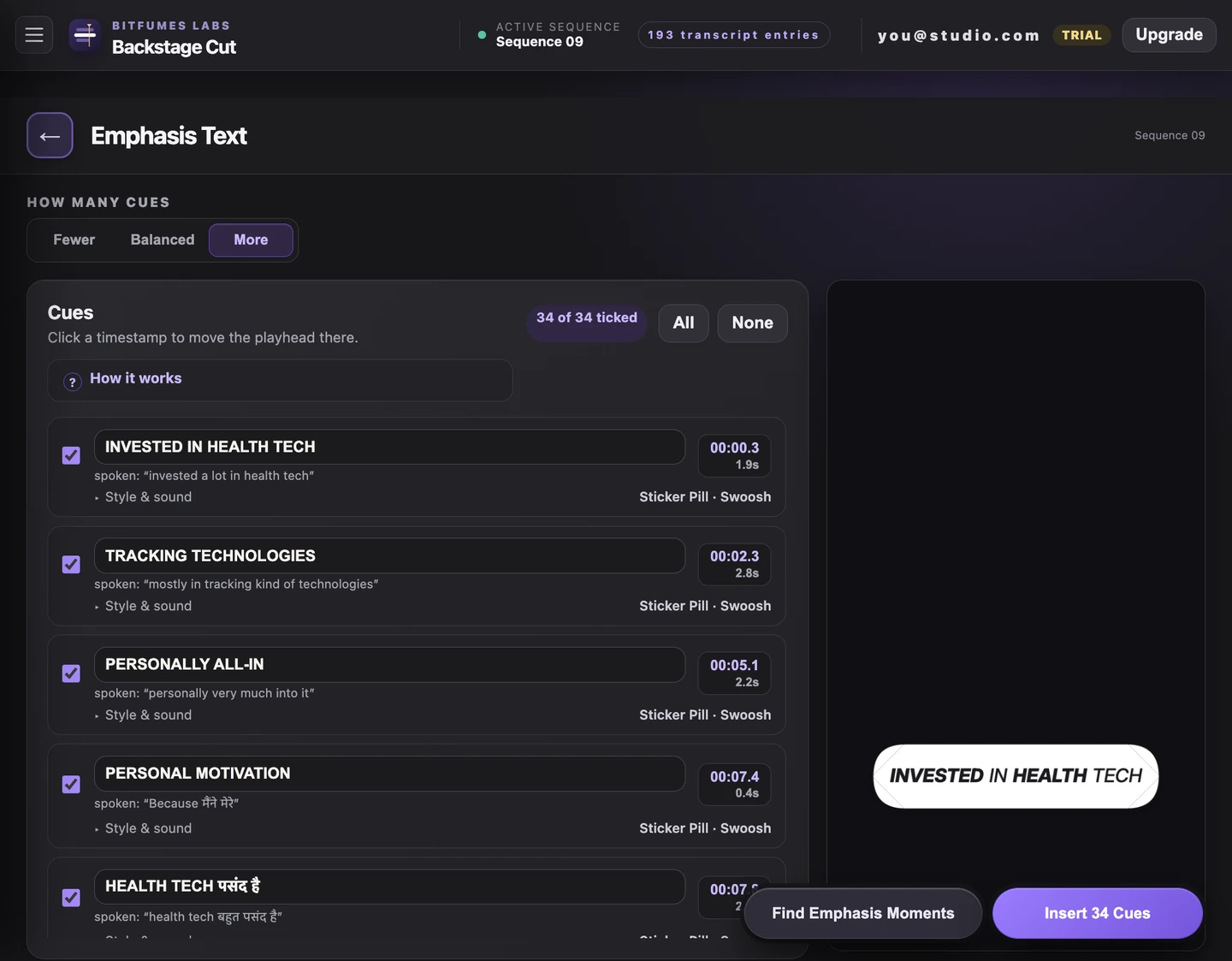
- Finds the moments itself: numbers, keyboard shortcuts, UI paths, warnings, claims, key terms
- Rewrites them for the screen — "press command comma" becomes ⌘ + , and the key word goes UPPERCASE
- Timed to the spoken words, so it lands on the syllable, not near it
- Five styles, word- or letter-by-letter reveals, and a sound per cue
- Untick what you don't want and edit the text before anything renders
- Lands on its own track, so the rest of your edit is untouched
Try it on the video
you're editing tonight
7 days of unlimited transcription is plenty for a whole video, start to finish, on your own footage — no card, and nothing to undo if you don't like it.
Also in the panel