B-Roll Placement
B-roll for the video, without a B-roll folder
No footage to dig through, because none of it is yours to begin with. The panel reads your transcript, finds a concept worth showing at each moment, and searches free stock for a clip that actually matches — right down to who's on screen. A gap beats a wrong clip, so anything that doesn't fit is skipped, not forced in. Already have your own clips? Point it at your folder instead.
How it works
What actually happens
- Searches Pexels and Pixabay in your sequence's own orientation, no account or API key needed
- A vision model checks every candidate against the spoken line before it's allowed on the timeline
- Set a pace — fast, medium, slow — and a people preference for who should be on screen
- Stills are held, video clips scaled to cover so nothing letterboxes in a vertical cut
- Nothing is inserted until you approve the batch, and skipped moments are listed with the reason
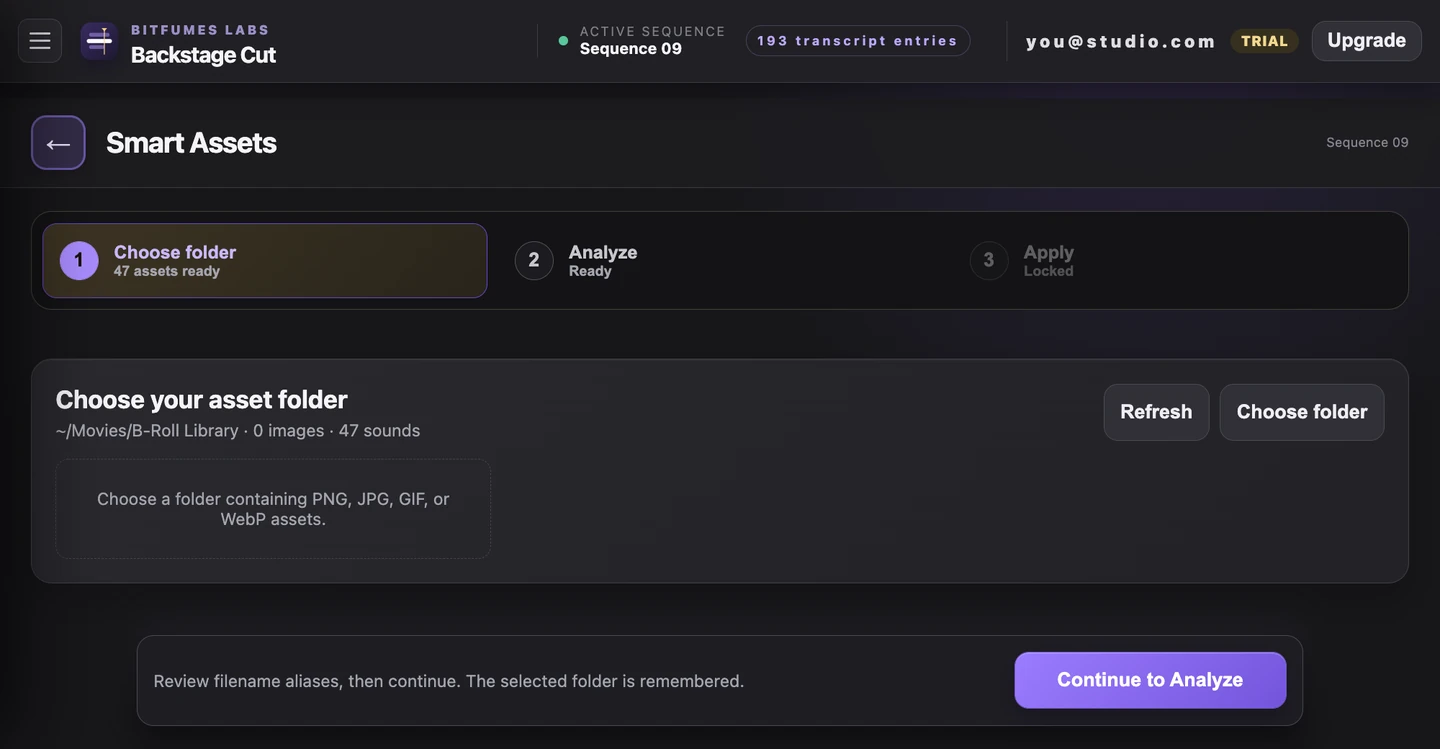
- Still have your own footage? Load a manifest from your own B-roll folder instead
Try it on the video
you're editing tonight
7 days of unlimited transcription is plenty for a whole video, start to finish, on your own footage — no card, and nothing to undo if you don't like it.
Also in the panel